Expand where you do business.
Accept in-person, contactless payments right on your iPhone.
Watch Apple’s card payment demo (opens in a new tab)For Lyra hosts
Accept contactless payments right on your iPhone.
Tap to Pay on iPhone is available with Lyra. That means you can accept all types of in-person, contactless payments—from physical debit and credit cards to Apple Pay and other digital wallets. Right on your iPhone. No extra card readers or hardware needed. It’s easy, secure, and private.
Get startedAvailable to eligible US hosts. Terms apply.
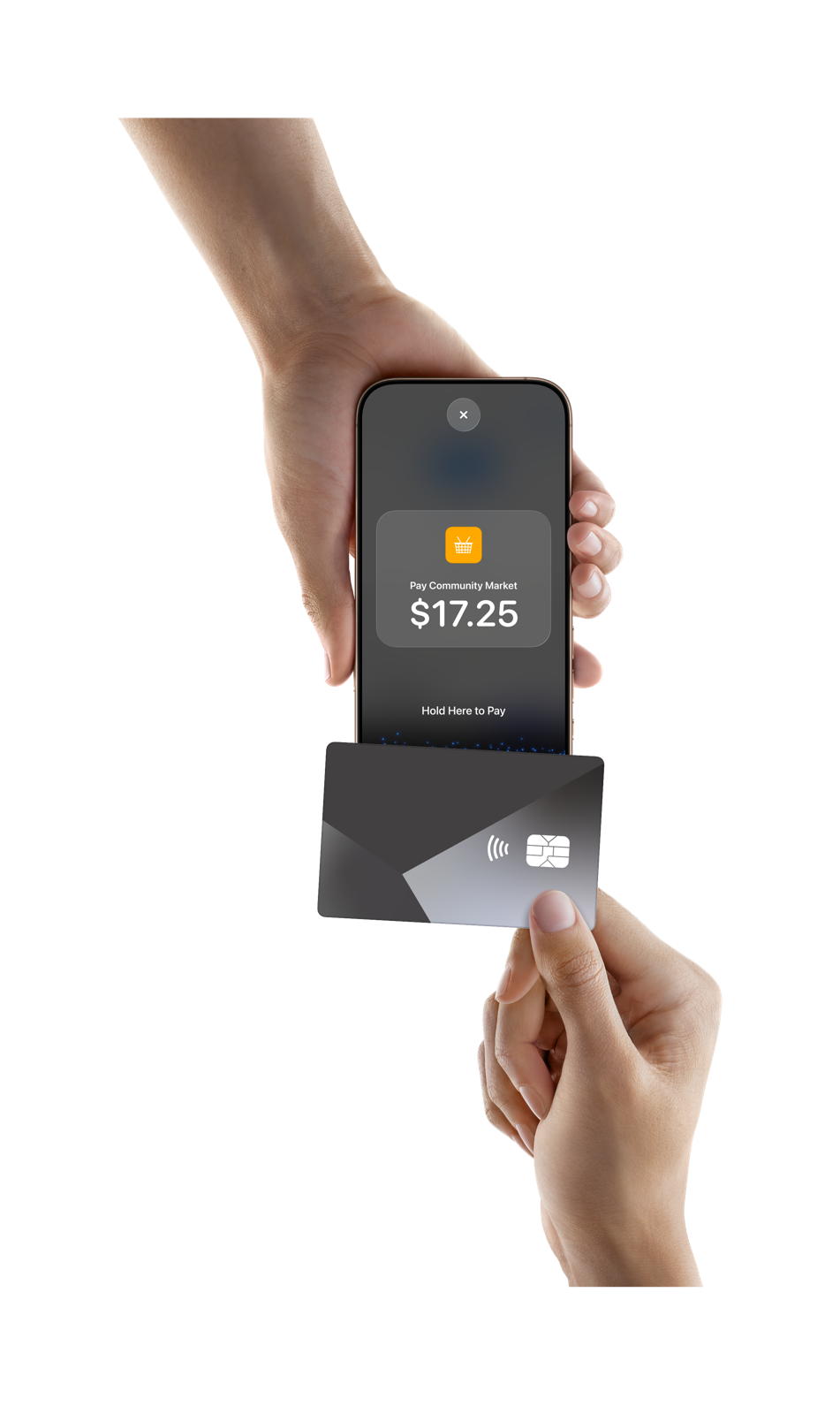
Accept in-person, contactless payments right on your iPhone.
Watch Apple’s card payment demo (opens in a new tab)All you need is your iPhone and the Lyra app.
Watch Apple’s digital wallet demo (opens in a new tab)It’s easy, secure, and private.
See a contactless payment in action (opens in a new tab)01
Sign in to your host account, then open Backstage > Live Sales.
02
Complete any remaining payout setup and accept the Apple terms in Lyra.
03
Review the payment tutorial before your first in-person payment.
Need access to the Lyra app? Contact our team for installation help. If the app doesn’t open, go to Backstage > Live Sales in Lyra. Get help.
Watch Apple’s how-to video (opens in a new tab)Hosting with Lyra
Create your event, sell tickets online, and use Tap to Pay on iPhone to accept contactless payments at the door.
Tap to Pay on iPhone requires a supported payment app and the latest version of iOS. Update to the latest version by going to Settings > General > Software Update. Some contactless cards may not be accepted by your payment app. Transaction limits may apply. Tap to Pay on iPhone is not available in all markets. For Tap to Pay on iPhone countries and regions, see https://developer.apple.com/tap-to-pay/regions/.
Apple Pay is a service provided by Apple Payments Services LLC, a subsidiary of Apple Inc. Neither Apple Inc. nor Apple Payments Services LLC is a bank. Any card used in Apple Pay is offered by the card issuer.
The Contactless Indicator mark, consisting of four graduating arcs, is a trademark owned by and used with permission of EMVCo, LLC.
The Contactless Symbol is a trademark owned by and used with permission of EMVCo, LLC.